🌐 1000+ sites
YouTube, Vimeo, TikTok, Twitch, SoundCloud, X, Instagram, Reddit and more — powered by yt-dlp.
A local video tool for creator backup and pre-edit clipping
VidsDrop helps you back up your own videos, save YouTube captions, archive permitted playlists, and trim highlight clips before short-form editing. It is a simple clip cutter, not a full editor — finish your Shorts, Reels or TikToks in your normal editing app.
No account. No cloud. No tracking — it runs on your machine.
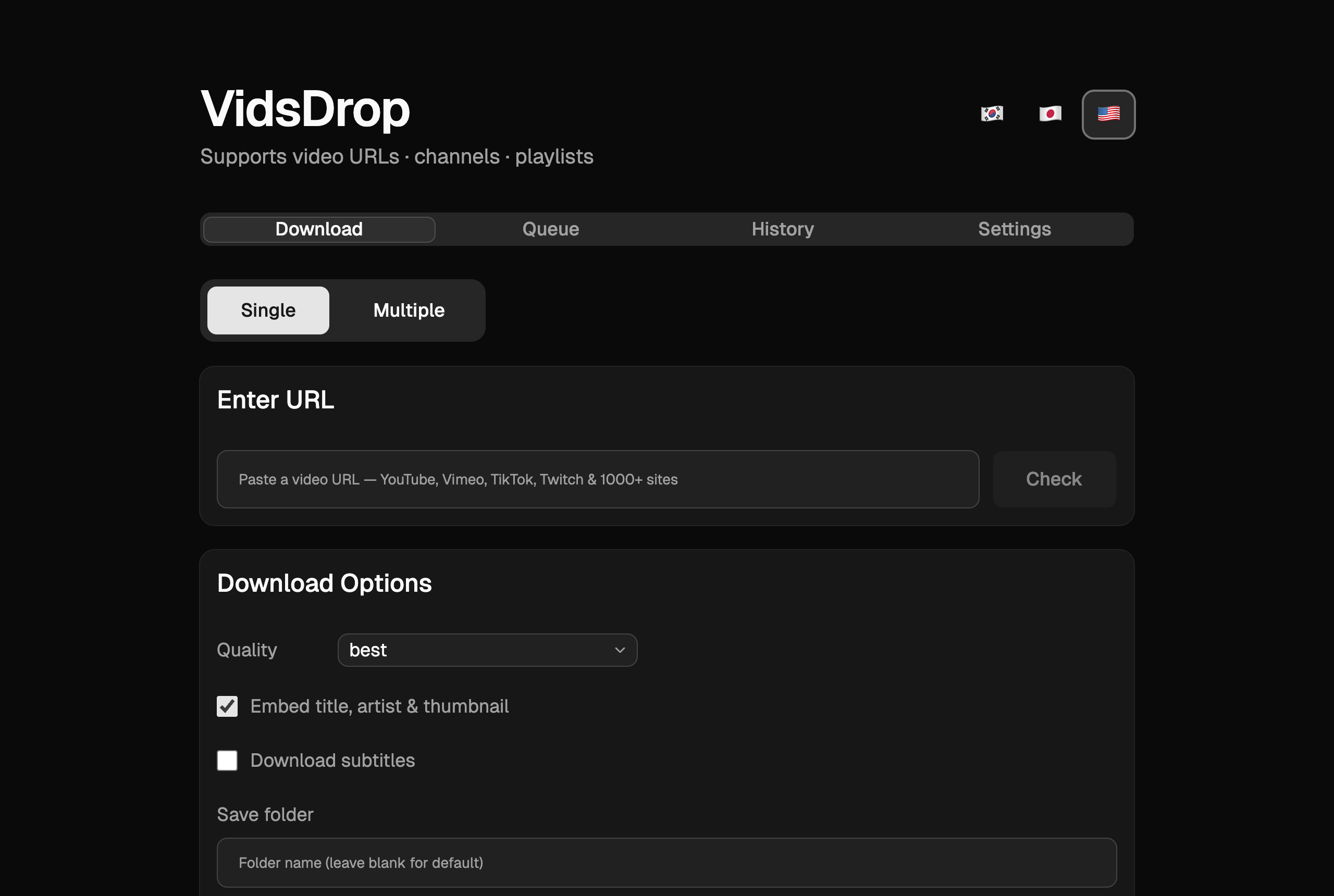
YouTube, Vimeo, TikTok, Twitch, SoundCloud, X, Instagram, Reddit and more — powered by yt-dlp.
Pick the exact resolution a video actually offers. No more "format not available".
MP3, M4A, Opus, FLAC or WAV with selectable bitrate — and embedded cover art + tags.
Download and embed subtitles in any language, including auto-generated captions.
Mark start/end points on the timeline and save a highlight clip before short-form editing.
Pick which playlist items to grab, or paste many URLs and queue them all at once.
Parallel downloads with progress, speed and ETA, plus a history tab with re-download.
The app runs a tiny server on your own machine. Nothing is uploaded or stored in the cloud.
Useful for local backups, simple pre-edit clipping, captions and permitted media archives.
Keep a local copy of older uploads, captions, thumbnails and playlists when the original project folder is missing, scattered across drives, or lower quality than the published version.
Open a published video, use the timeline and replay heatmap, then save a highlight as a separate file before finishing it in CapCut, Premiere, DaVinci Resolve, or another editor.
Download subtitles or auto captions so editors, educators and researchers can review transcripts, translate lines, or prepare clips faster.
Build a local library of your own videos, licensed clips, public-domain material, or internal training playlists that your team is allowed to store.
Paste a video URL you have the right to save, pick the quality or audio format, and VidsDrop fetches the title, thumbnail and best streams automatically.
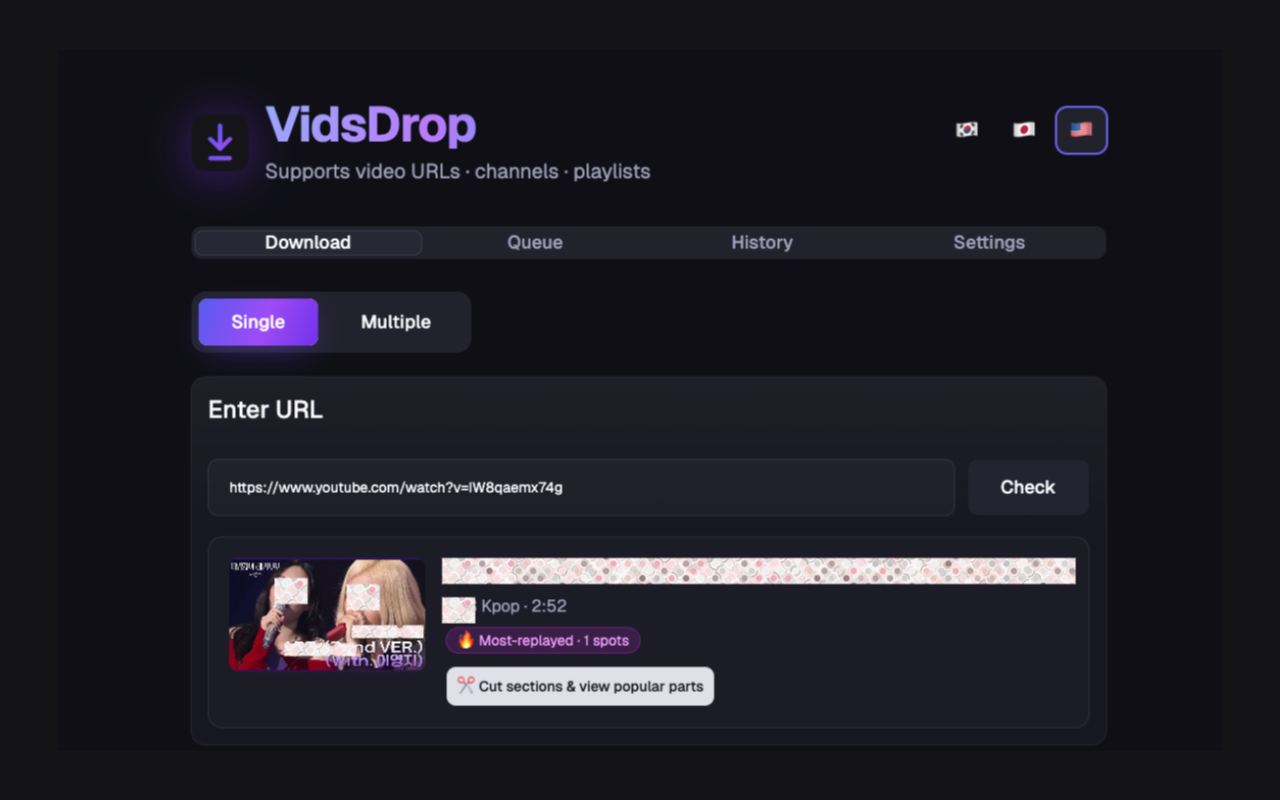
Switch to Multiple, drop in a list of links or an allowed playlist, and VidsDrop queues every one.
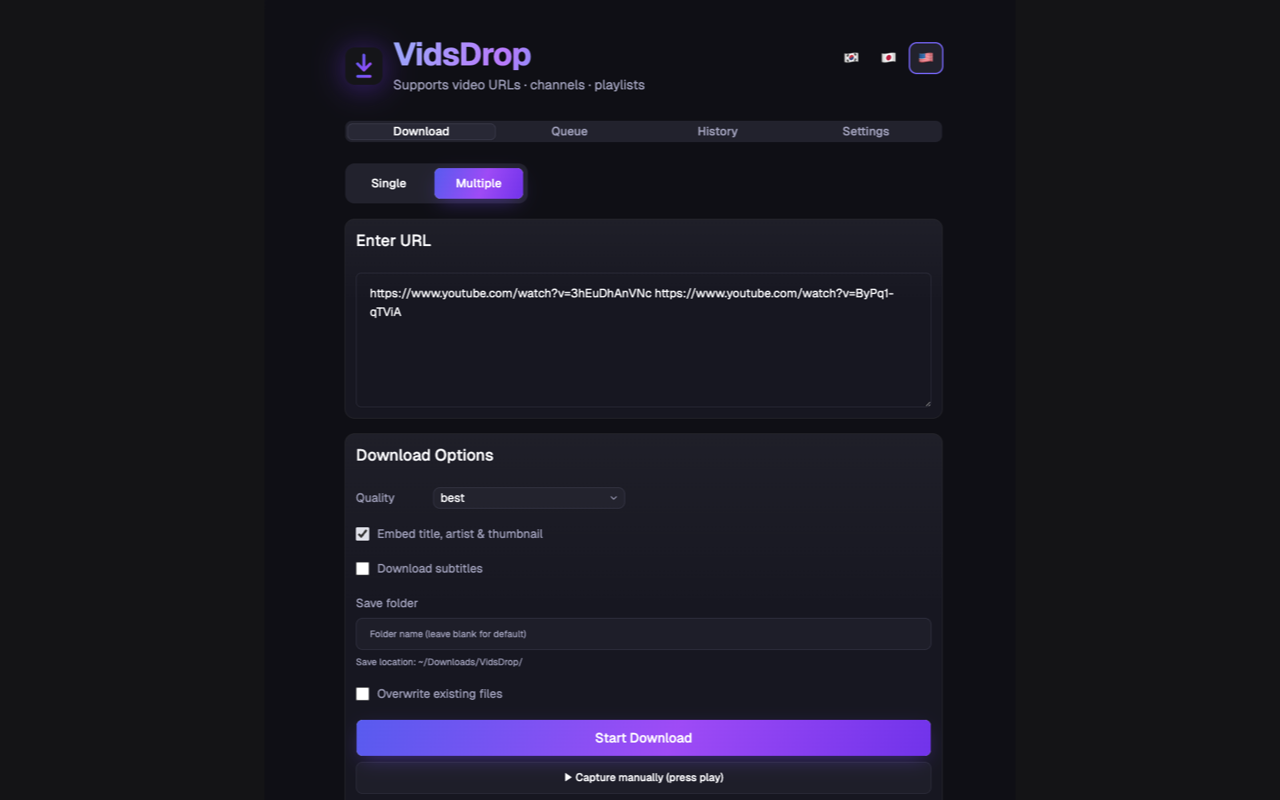
Your queue runs several at once — each with live progress, speed and ETA.
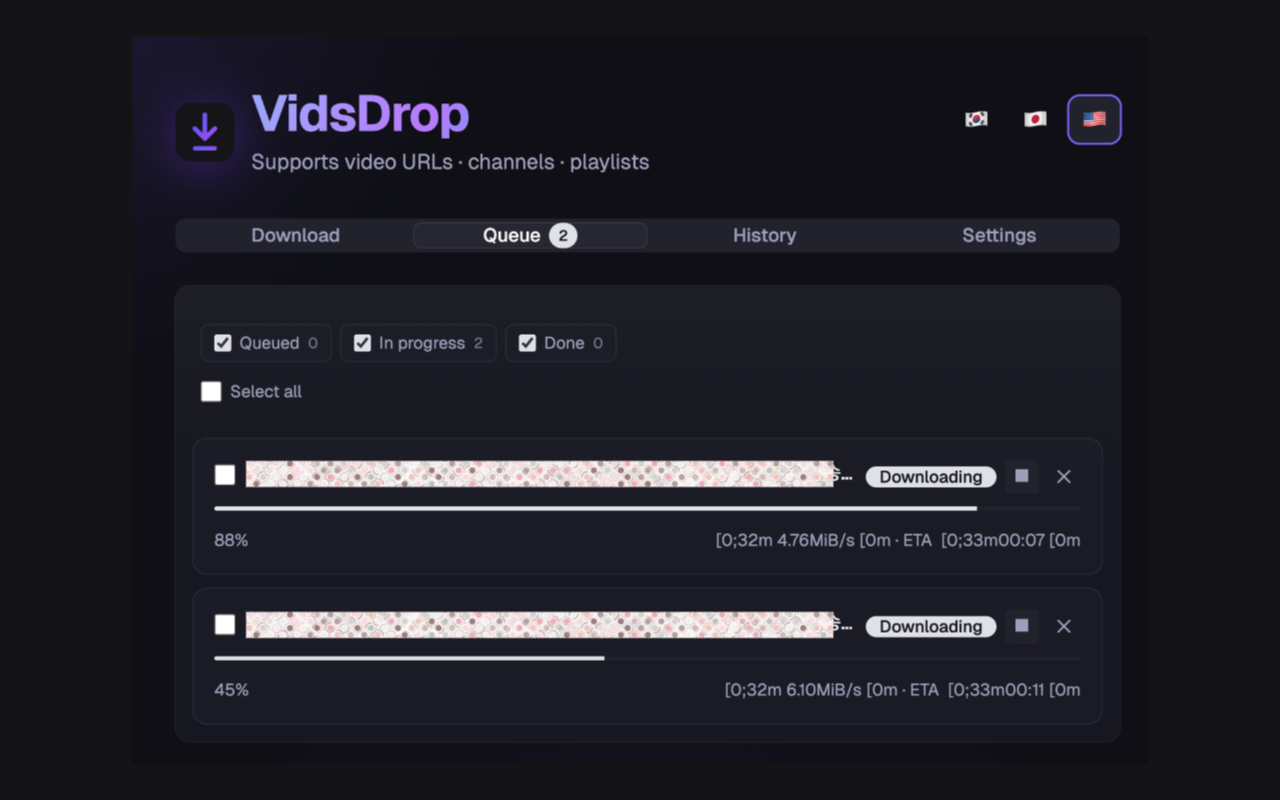
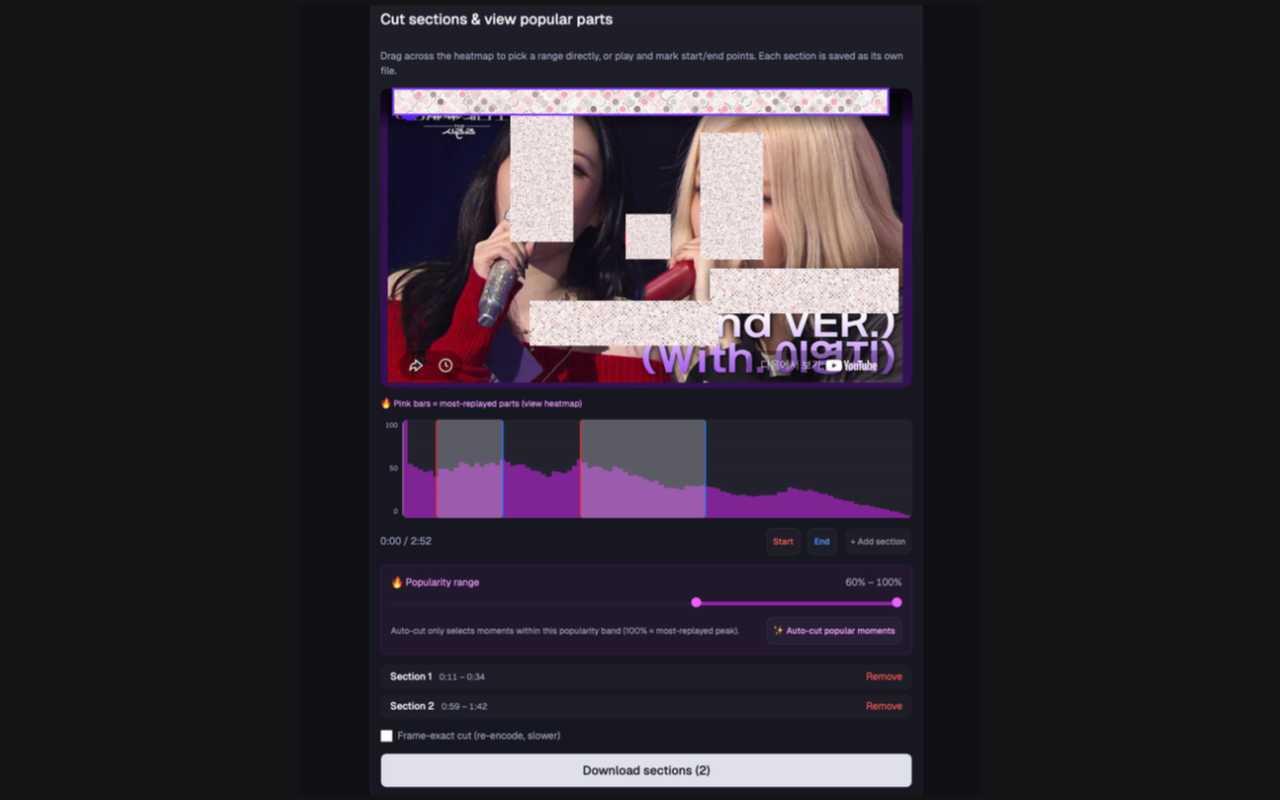
Drag across the replay-heatmap to grab the most-watched moments, or set a popularity range and auto-cut. Each clip saves as its own file.
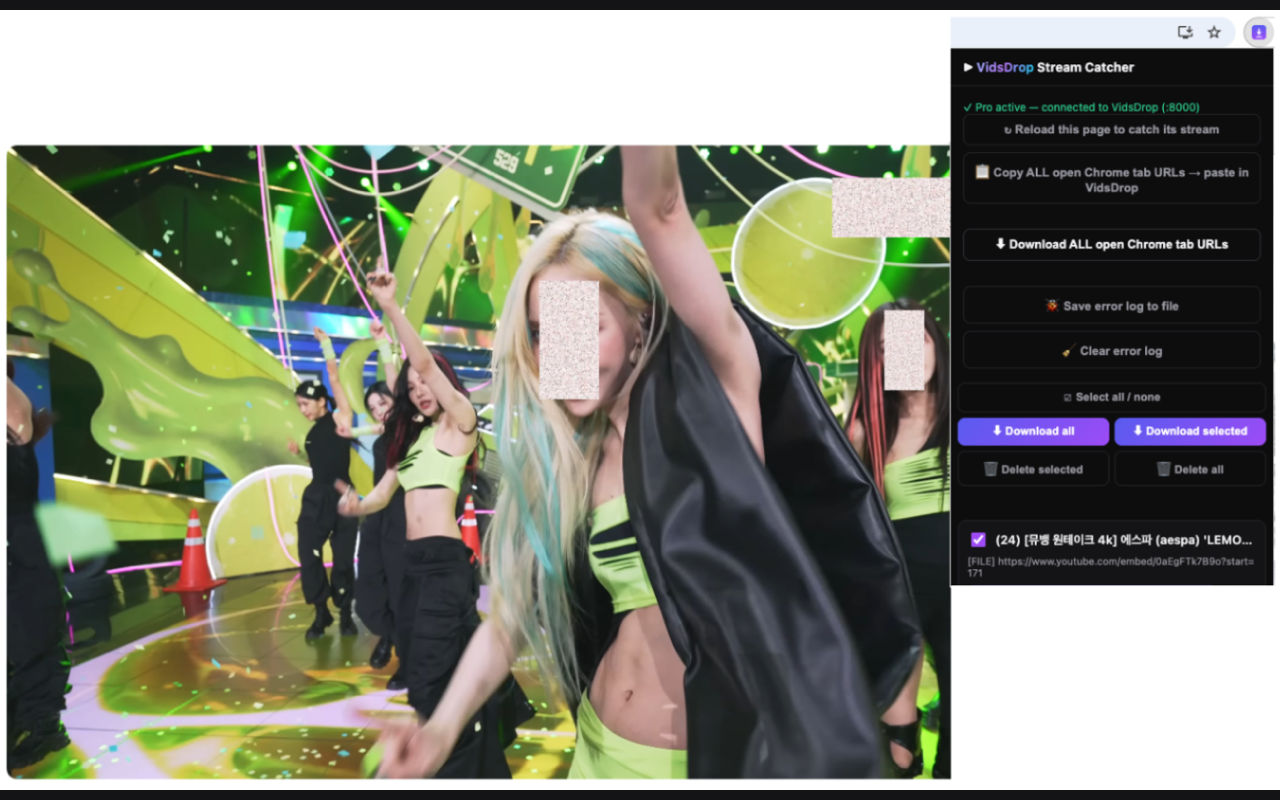
The companion extension catches streams right on the page and sends them to VidsDrop — or copies every open tab to download in one go.
Works with YouTube, Vimeo, TikTok, Instagram, X, Reddit, and 1000+ supported sites. Use VidsDrop only for content you own, have permission to download, or are allowed to archive.
VidsDrop isn't a finished product — it's a tool we grow with you. We read your feedback and ship improvements every week.
The simplest way to save videos you own, have permission to download, or are allowed to archive — no terminal, no ads, no nonsense.
Fast, clean and 100% local. Your URLs, cookies and files never leave your computer.
Buy once and it's yours for life — every future update included, driven by what you ask for.
Roadmap
1000+ sites, up to 4K/8K, audio extraction, subtitles, clip cutting, replay-heatmap auto-cut, top-comments export, playlists & batch, queue & history, browser extension.
Better capture for tricky sites, subtitle auto-translation, separate thumbnail/chapter export, smarter download-speed options.
Bulk format conversion, auto-organizing folder rules, scheduled downloads, more languages — and the features you request.
💬 Got an idea, a bug, or a site that won't download? Tell us here — we listen and fold it into the next update. This is built with you.
$0
$59$29 one-time
🔥 Early-bird price — going up soon
macOS and Windows. You download the app once and run it locally — no installation server, no subscription required.
No. VidsDrop runs a small local server on 127.0.0.1 and opens in your browser. Your URLs, cookies and files never leave your computer.
Yes — and you can choose exactly which items to include, or paste a batch of URLs.
Yes. This is useful for older uploads, missing project files, saved captions, thumbnails, channel archives, and playlists you want to keep locally.
Yes. VidsDrop is a simple clip cutter: select the highlight, export it as its own file, and finish the short-form edit in your normal editing workflow.
Both. Download the complete video in up to 4K, or extract audio only as MP3, M4A, Opus, FLAC or WAV — with bitrate selection and embedded artwork and metadata.
Over 1000 sites including YouTube, Vimeo, TikTok, Twitch, SoundCloud, X, Instagram, Facebook, Reddit, Dailymotion and Bilibili.